
Will My Photos Still Be There After a Screen Repair? | Honest Answer | 12-Month Warranty — Mend My iPhone
Direct Answer: Yes — your photos will still be there. A screen repair only swaps the display module. Your photos, apps, messages and settings live on a completely separate storage chip on the logic board, which is never touched during the repair.
Key Takeaways
- A screen repair is a display swap — nothing else gets touched.
- Your photos live on the storage chip, not the screen.
- I never need to unlock or sign into your phone to replace a screen.
- Back up monthly anyway — not because of the repair, just because phones are phones.
Will I lose my photos ?
This is one of the most common worries people walk in with, and it’s a completely reasonable one. Your phone holds the family album, the messages from your mum, the photo of your dog the day you got her, fourteen years of WhatsApp conversations and the receipt for that thing you keep meaning to return. If anything happened to that lot during a screen swap, you’d never trust a phone shop again.
So let me put it plainly. A screen repair does not — and cannot — touch your photos.
Why your photos are perfectly safe
Inside your iPhone or Samsung there’s a logic board. On that logic board there’s a storage chip — that’s where your photos, apps, messages and settings live. The screen is a completely separate component. It plugs into the logic board via two or three thin ribbon cables, and that’s the only connection between them.
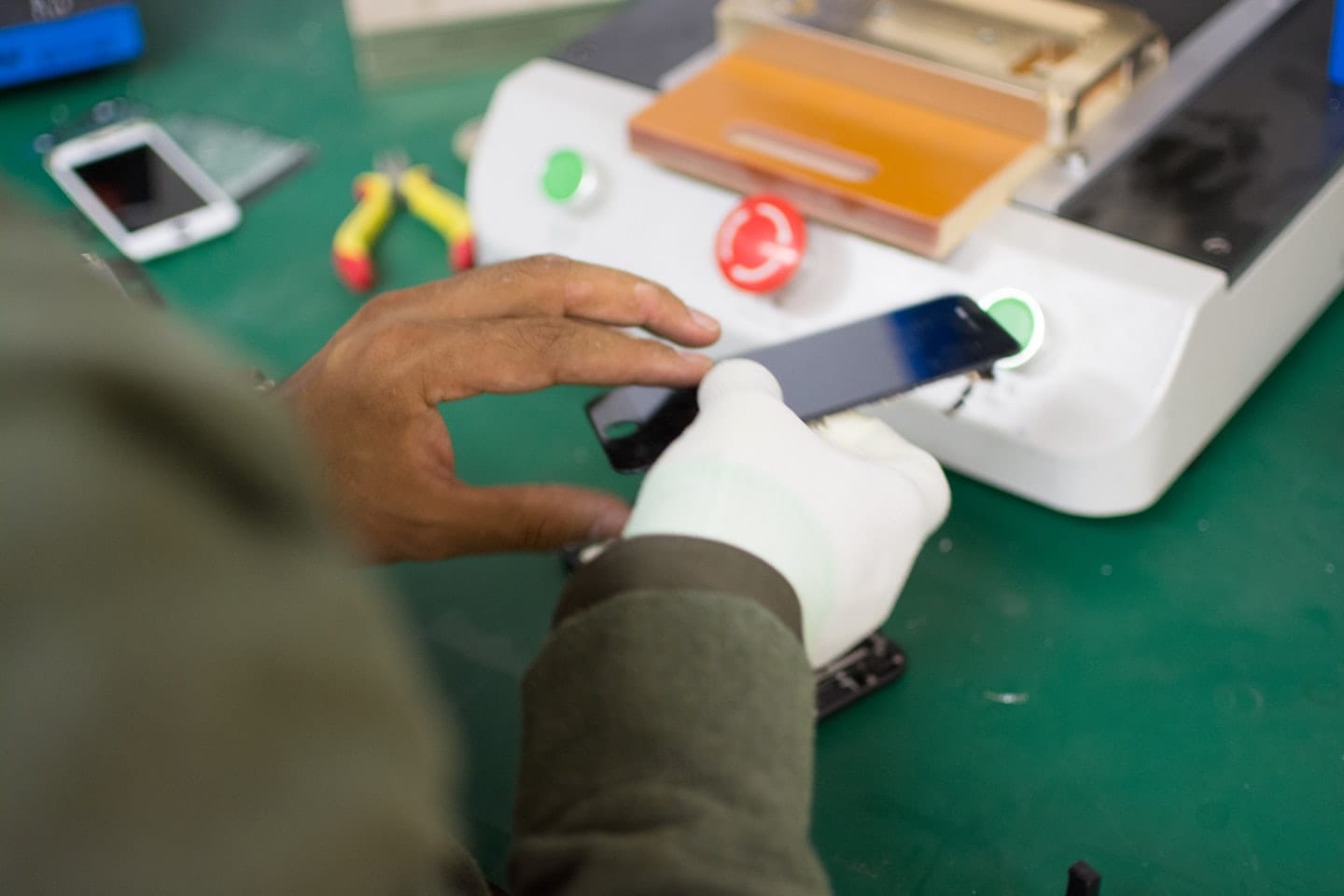
When I replace a screen, I disconnect those cables, lift the old screen off, connect a new screen in its place, and seal it back up. The storage chip is never disturbed. The operating system isn’t reinstalled. Your phone has no idea the screen has been changed beyond a hardware ID check — and even then, it just carries on with all your data exactly where you left it.
It’s a bit like changing the windscreen on a car. The glovebox contents are still in the glovebox afterwards. Nobody worries about that, because we all understand the windscreen and the glovebox are different bits of the car. The screen and the storage chip are exactly the same — different bits, no overlap.
Do you need to back up before a screen repair?
For the repair itself, no. There’s no risk to your data from a screen replacement done properly.
That said — back up anyway. Not because of me. Because phones get dropped down toilets, lost in taxis, stolen at festivals and run over by lawnmowers. If you’re not backing up to iCloud or Google Photos at least monthly, you’re one bad day away from losing twelve years of memories regardless of who fixes what. iPhone backs up automatically to iCloud overnight when plugged in and on Wi-Fi. Samsung does similar with Samsung Cloud or Google Photos. It’s free, it’s silent, and it’s the difference between a bad afternoon and a genuine disaster.
Will I need your passcode?
No. I never ask for a passcode to do a screen repair. I don’t need to unlock your phone to swap the display. The only test I do once the new screen is fitted is asking you to confirm Face ID or Touch ID is working before you walk out — and you do that yourself, with your phone in your hand. I don’t sign in, I don’t open apps, I don’t look at anything.
If a repair shop asks you for your passcode for a screen repair, that’s a question worth asking back: why?
What does change after a screen repair
One small thing. On iPhones from the XS onwards, Apple uses a feature called True Tone — it adjusts the warmth of the display based on the ambient light. After a third-party screen swap, True Tone can sometimes show as unavailable in the display settings. It doesn’t affect the picture quality at all in practice; most people can’t tell the difference. I’ll always tell you upfront if your specific model is affected before the repair, and on most models I can preserve True Tone using a transfer tool.
Apart from that one cosmetic setting on certain models, your phone is functionally identical to how it was before the screen broke — just with a screen that works.
Frequently Asked Questions
Will I lose my photos after a screen repair?
No. A screen repair only swaps the display module. Your photos live on a separate storage chip that is never touched during the repair.
Do I need to back up my phone before a screen repair?
Not strictly. The repair itself doesn’t put your data at any risk. But you should be backing up monthly anyway as a general life rule — phones get lost, dropped, stolen or broken in ways nobody plans for.
Will you need my passcode to repair the screen?
No. I never need to unlock your phone to replace a screen. I will ask you to confirm Face ID or Touch ID is working before you leave, which you do yourself with your phone in your hand.
What happens to Face ID after a screen repair?
On most iPhones the Face ID components are transferred from your old screen onto the new one, so Face ID continues to work exactly as before.
Can a screen repair wipe my phone?
No. A correctly done screen repair cannot wipe your phone. The storage chip is on the logic board and is completely separate from the display assembly.
How long does a screen repair take?
Around one hour when booked. Walk-ins are welcome at the Market Weighton shop; same-day repairs are the norm.
Book a screen repair you can trust
If your screen is cracked, unresponsive or showing lines, message me on WhatsApp at 0330 999 2949 or email james@mendmyiphone.co.uk. Walk-ins welcome at 9 Southgate, Market Weighton, YO43 3AF — close to South Cave, Brough, Beverley and Pocklington. Screens repaired in about an hour when booked, with a 12-month warranty on the work.
- Your iPad Just Got Cut Off From iPadOS 27 — Here’s What That Actually Costs You
- Water Damaged Amazon Fire Tablet: A Board-Level Repair Walkthrough
- Best Rugged Phones for Tradespeople and Farmers in 2026 — and Where to Actually Buy Them
- Call out iPhone repair to Haxby Bakehouse, York
- Don’t Throw Away Your “Incompatible” Windows 10 PC Just Yet
Leave a Reply