
Don’t Throw Away Your “Incompatible” Windows 10 PC Just Yet
Direct Answer: Microsoft ended Windows 10 support on October 14, 2025. Around 240 million PCs worldwide can’t meet Windows 11’s hardware requirements — not because they’re slow, but because they lack a TPM 2.0 chip. You have real options beyond buying a new laptop: a free security update extension running until October 2026, a Linux alternative, and — often the best value of all — a RAM and SSD upgrade that makes the machine you already own feel genuinely fast again.
Key Takeaways
- Your Windows 10 PC still works fine after EOL — it just stops receiving security patches. Microsoft’s free Extended Security Updates programme buys you until October 2026.
- Windows 11’s TPM 2.0 requirement has nothing to do with performance — millions of fast, capable machines are blocked purely on a security chip technicality.
- A RAM upgrade and SSD installation typically transforms an older machine for a fraction of new laptop cost. Before you spend £800, get it looked at.
Don’t Throw Away Your PC Just Yet…
In October 2025, Microsoft ended support for Windows 10 — the operating system still running on the majority of the world’s computers. No more security patches, no more updates, no more official help when things go wrong. Cue the inevitable wave of “time to upgrade” pressure, laptop ads everywhere, and a global PC shipment spike as people rushed to buy hardware they may not have needed.
Here’s what the ads don’t tell you. An estimated 240 million PCs can’t run Windows 11 — not because they’re too slow, not because they’re worn out, but because of a single hardware requirement called TPM 2.0. If your machine predates around 2017–2018, there’s a reasonable chance it’s been labelled “incompatible” for exactly this reason. And if it was fast enough for you last year, it’s fast enough for you now. The machine didn’t change. Microsoft’s requirements did.
What Actually Happened on October 14, 2025
End of life doesn’t mean end of use. Your Windows 10 PC still turns on, still runs your software, still connects to the internet. What stopped on October 14, 2025 is Microsoft issuing security patches for newly discovered vulnerabilities. That matters — but it’s not the same as your computer suddenly breaking.
Microsoft also quietly offered consumers something that rarely gets coverage: Extended Security Updates (ESU). This keeps security patches coming for a full extra year — until October 13, 2026. Consumers can claim this for free by syncing PC Settings to a Microsoft account, or redeeming 1,000 Microsoft Rewards points. If you’ve ignored this, you have until October to act — and it costs nothing if you have even a basic Microsoft account.
That’s an important window. It means a “dead” Windows 10 machine can stay properly patched for another four months from now — long enough to work out a proper plan rather than panic-buying a replacement.
Why Your PC Is “Incompatible” (And Why It’s Not What You Think)
Windows 11 has two headline requirements that block older hardware: a TPM 2.0 chip and a processor from Intel’s 8th generation (2017) or AMD’s Ryzen 2000 series or newer. The processor requirement rules out some genuinely old machines. The TPM requirement rules out a lot more that aren’t old at all.
TPM stands for Trusted Platform Module — it’s a small security chip that stores encryption keys and helps verify the system hasn’t been tampered with. It’s a legitimate security feature. The problem is that many 6th and 7th generation Intel machines — solid Core i5 and i7 laptops that were selling brand new just a few years ago — either lack TPM 2.0 entirely or shipped with it disabled. The machine is perfectly capable. It just doesn’t have this chip, or has it turned off.
Canalys estimated that this hardware cut-off affects around 240 million PCs globally — machines that will be pushed toward landfill or replacement not because they’re worn out but because of a chip technicality. That’s a staggering amount of perfectly functional hardware.
Your Actual Options
| Option | Cost | Best For | Limitations |
|---|---|---|---|
| Windows 10 ESU (free) | Free until Oct 2026 | Buying time while you decide | Ends October 2026 — not a permanent fix |
| Windows 11 bypass install | Free | Technically confident users | Unsupported by Microsoft; updates may be unreliable |
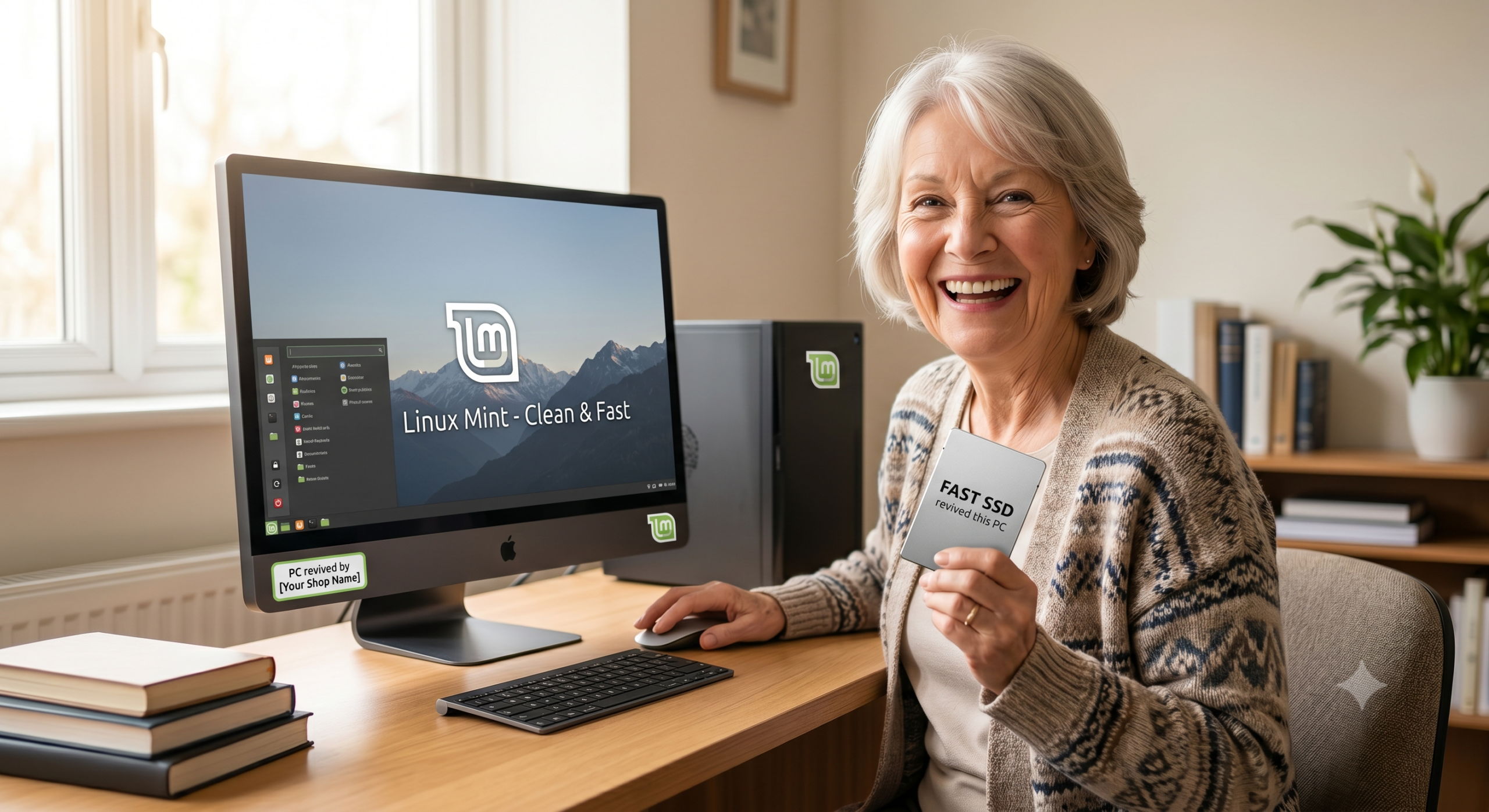
| Switch to Linux Mint | Free | Everyday home users (web, email, documents) | Won’t run Windows-only software |
| RAM + SSD upgrade | Typically £80–£150 fitted | Anyone whose machine is slow but functional | Doesn’t fix the Windows 11 requirement on its own |
| Buy a new laptop | £400–£800+ | Machines genuinely beyond saving | Expensive; often unnecessary |
Option 1: Claim Your Free Extended Security Updates Now
If you haven’t done this already, do it today. Open Windows Update, check for ESU eligibility, and if you have a Microsoft account with Rewards points or a synced PC Settings, you can extend your security coverage at no cost until October 2026. That’s not a long-term fix — the clock on ESU runs out in four months — but it keeps you properly protected while you decide what to do next, and removes the immediate pressure to rush into a purchase.
Option 2: Linux Mint — More Capable Than Its Reputation Suggests
For a lot of people, Linux has a reputation as something only developers use. That reputation is about ten years out of date. Linux Mint in particular has been designed from the ground up to feel familiar to Windows users — the taskbar, the start menu, the file manager, all laid out in a way that won’t require relearning anything fundamental.
What it handles well: web browsing, email, YouTube, Netflix, Spotify, LibreOffice for documents and spreadsheets, photo viewing, PDF reading. For a family member who uses the computer to browse, watch things, and write the odd letter — Linux Mint is genuinely excellent, completely free, and will run securely on hardware that Windows 11 refuses to touch.
What it doesn’t handle: Windows-only software. Adobe Creative Suite, specialist accounting packages, legacy business software — if you need those, Linux is not the answer. But for a significant proportion of home users, it covers everything they actually do.
Option 3: The Upgrade That Changes the Machine
This is what I’d suggest looking at before anything else, particularly if the machine you have is already fairly capable but feels slow. The two upgrades that make the biggest real-world difference to an older laptop are an SSD and a RAM increase — and together they cost considerably less than a new machine.
If your laptop is still running a mechanical hard drive (HDD), replacing it with a solid-state drive (SSD) is transformative. Boot times go from minutes to seconds. Apps open instantly rather than grinding. The machine stops feeling like it’s thinking about everything before it does it. This single change is often more noticeable than any CPU upgrade because the hard drive is the bottleneck in most everyday tasks, and it has been for years.
Adding or upgrading RAM helps with multitasking — keeping multiple tabs open, running a browser alongside other apps, not grinding to a halt when more than two things are happening at once. Most laptops from this era shipped with 4GB or 8GB and can be taken to 16GB for a modest cost.
Together, these two upgrades can take a machine that feels like it’s struggling and make it feel — genuinely feel — like a different computer. Not metaphorically. Actually faster to use than it’s been since it was new. For a fraction of the cost of a replacement.
Before You Spend £800 on a New Laptop, Bring It In
We offer a full computer repair and upgrade service at our shop in Market Weighton, convenient for customers from Beverley, Pocklington, South Cave, and Brough. We can max out your RAM, fit an SSD, and get Windows optimised — so your existing machine runs like new for years to come, saving you hundreds against the cost of a replacement.
Not sure if it’s worth it? Bring it in and we’ll tell you honestly. If the machine is genuinely past saving, we’ll say so. If it’s fine — and most of them are — we’ll tell you that too. No charge for taking a look.
The Bigger Picture
There’s a legitimate frustration running through tech communities at the moment about what the Windows 10 EOL situation represents. A global PC shipment spike in Q1 2026, driven partly by Windows 10 EOL pressure and partly by fear of rising memory prices, tells its own story about how many people felt pushed into purchases they hadn’t planned on. The 240 million “incompatible” PCs figure tells another: this is a lot of functional hardware being pushed toward replacement for a reason that has nothing to do with whether the machines actually work.
Replacing a computer that works because Microsoft drew a line at a particular chip version isn’t a technology decision — it’s a marketing one. The better-value move, in almost every case, is to explore what you can do with the hardware you already have before writing it off.
Frequently Asked Questions
What happened when Windows 10 reached end of life?
Microsoft ended security updates and technical support for Windows 10 on October 14, 2025. PCs still running Windows 10 continue to work normally — they just no longer receive patches for new security vulnerabilities. Microsoft offered consumers a one-year Extended Security Update (ESU) option, which runs until October 13, 2026, buying extra time without requiring a new machine.
Why can’t my PC run Windows 11?
Windows 11 requires a TPM 2.0 security chip and a processor from 2017 or newer (Intel 8th generation or AMD Ryzen 2000 series minimum). Many perfectly capable machines from 2015–2017 fail this check not because they’re slow, but because they lack TPM 2.0 hardware. An estimated 240 million PCs worldwide cannot upgrade to Windows 11 for this reason.
Can I still use my Windows 10 PC safely after end of life?
Yes, with precautions. Microsoft’s Extended Security Updates programme provides continued patches until October 2026 — consumers can claim this free via Microsoft Rewards or by syncing PC Settings. After that, the main options are switching to Linux (Linux Mint is the most Windows-like), using the Windows 11 bypass (works but unsupported), or upgrading the hardware to make the machine genuinely modern.
Is it worth upgrading RAM and SSD instead of buying a new PC?
In most cases, yes. Adding an SSD to a machine still running a mechanical hard drive and maxing out the RAM typically transforms how fast the computer feels — often more than a CPU upgrade would. A professional upgrade of this kind typically costs a fraction of a new laptop, and the machine you already have is already broken in, set up, and familiar.
What is Linux Mint and is it suitable for everyday use?
Linux Mint is a free operating system designed to feel as close to Windows as possible. It handles web browsing, email, document editing, streaming, and most everyday tasks well. It won’t run Windows-only software like Adobe or specialist line-of-business apps, but for general home use it’s a genuinely capable replacement — and it keeps older hardware running securely with no hardware requirements. We have an install Linux Mint in 5 minutes guide here which tells you how easy it is to intsall and an essential guide to how to configure it after here
- Your iPad Just Got Cut Off From iPadOS 27 — Here’s What That Actually Costs You
- Water Damaged Amazon Fire Tablet: A Board-Level Repair Walkthrough
- Best Rugged Phones for Tradespeople and Farmers in 2026 — and Where to Actually Buy Them
- Call out iPhone repair to Haxby Bakehouse, York
- Don’t Throw Away Your “Incompatible” Windows 10 PC Just Yet
Leave a Reply