
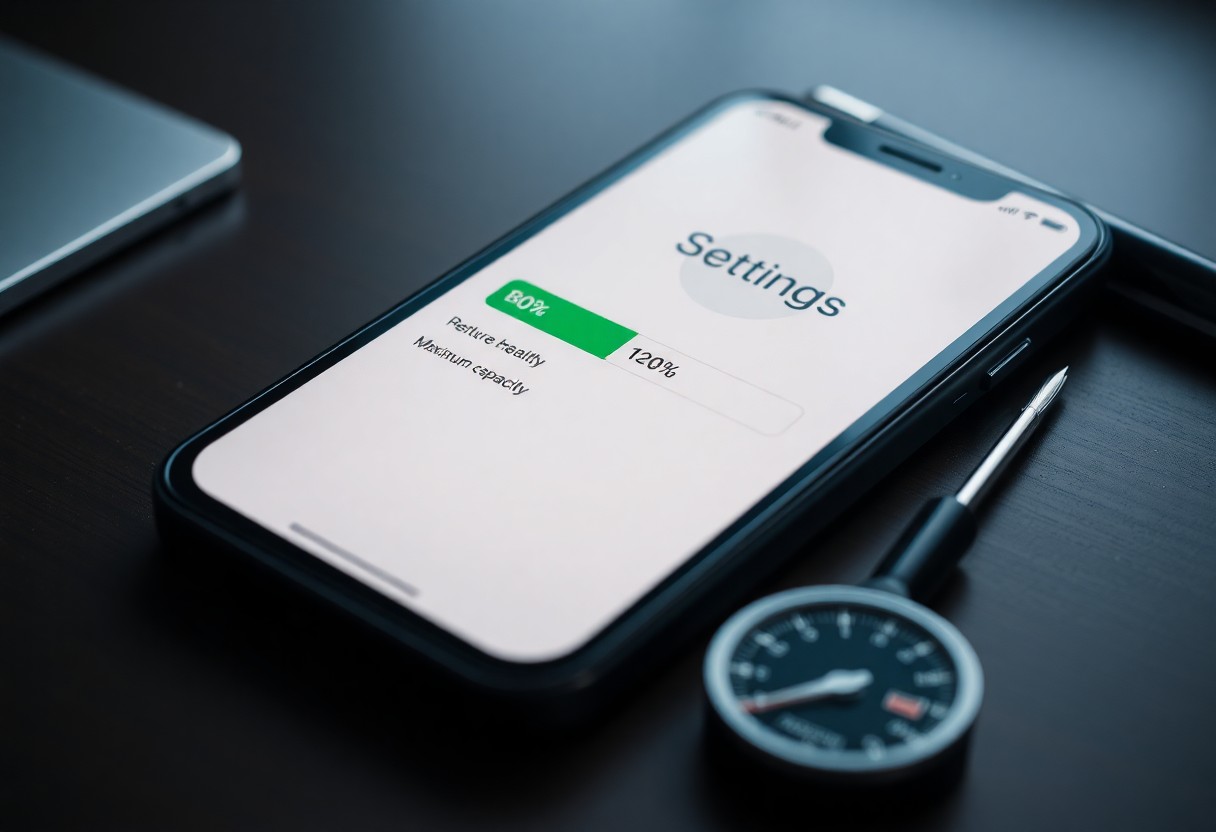
iPhone battery health at 80% is the threshold at which Apple recommends a battery replacement. At this point the battery holds only 80% of its original capacity, and iOS power management may automatically throttle processor speed to prevent unexpected shutdowns. For a same-day battery replacement in Market Weighton, UK — typically completed in approximately one hour when booked — Mend My iPhone serves customers in South Cave, Brough, Beverley and Pocklington.
- 80% is Apple’s official replacement benchmark — at this capacity, iOS performance management features may activate and a battery service is recommended.
- Performance is throttled, not broken — iOS deliberately slows the processor to prevent shutdowns, causing slower app launches, lag and reduced responsiveness.
- Replacement restores full performance — a quality replacement battery fitted by Mend My iPhone is typically completed in approximately one hour when booked, with walk-ins welcome.
iPhone Battery Health at 80% — Replacement Signs & Performance Impact (UK Guide)
Performance slowdowns often begin when an iPhone battery health drops to 80%. At this level the device may unexpectedly shut down under load, and peak performance is automatically limited by iOS to preserve stability. This guide covers every key warning sign, what the 80% mark really means, and your fastest local replacement options with Mend My iPhone, Market Weighton, UK.
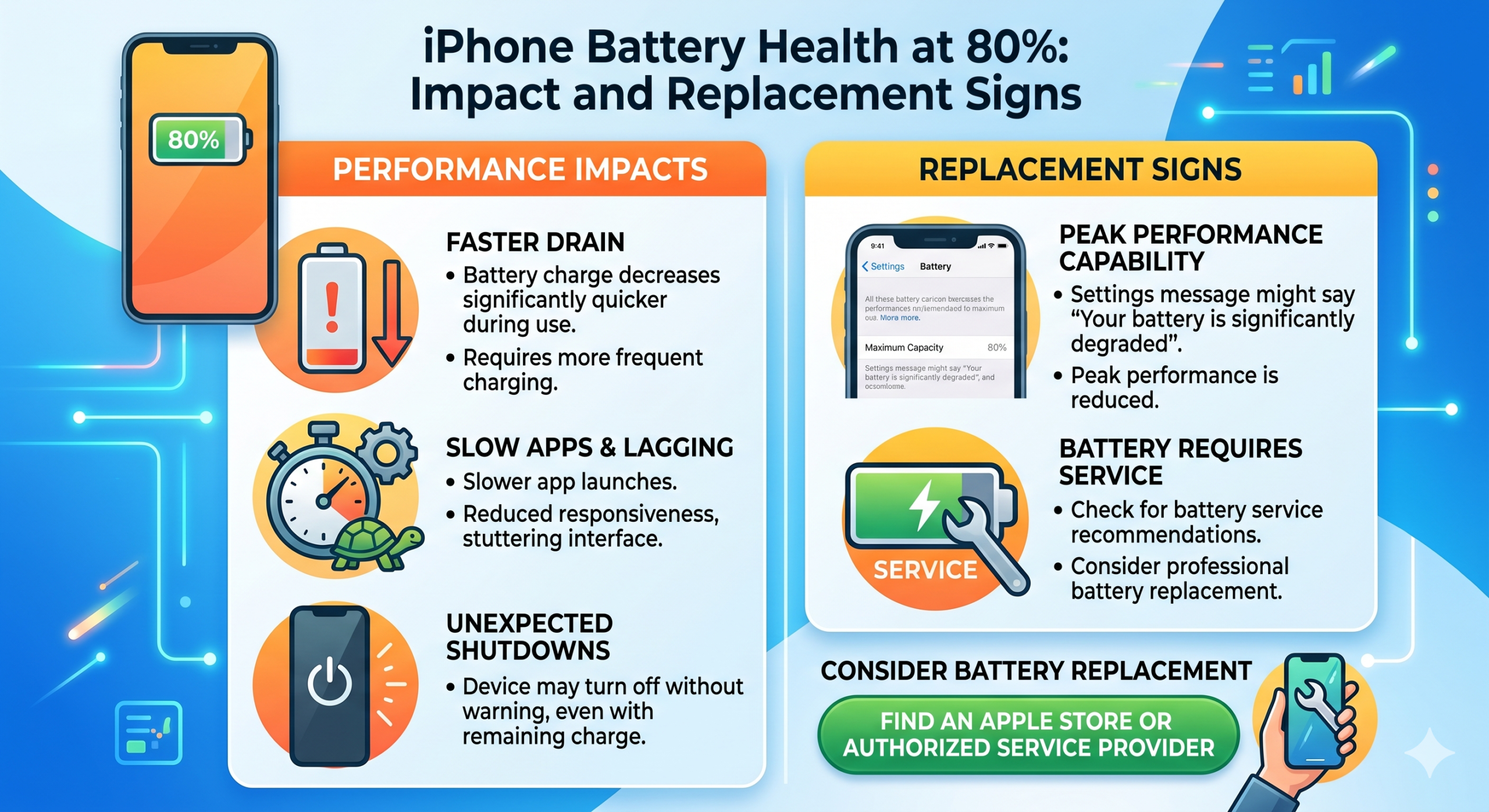
iPhone Battery Warning Signs at 80% Health — Comparison Table
| Warning Sign | What It Means | Severity |
|---|---|---|
| Unexpected shutdowns | Battery cannot sustain voltage under load | High — replace now |
| Slower app launches / lag | iOS performance throttling is active | Medium — replacement recommended |
| Battery percentage jumps | Voltage gauge unstable; cell degradation | High — replace now |
| Overheating during light use | Rising internal resistance | High — safety risk, replace now |
| Swelling or bulging | Chemical failure inside the cell | Critical — stop using, replace immediately |
| Needs charging multiple times daily | Capacity dropped below practical usability | Medium — replacement recommended |
The 80% Mark — Why It Matters
An iPhone flags battery health at 80% because chemical exhaustion has reduced the cell’s ability to hold a full charge. This threshold signals the end of peak performance, and Apple’s power management systems may begin limiting speed to prevent unexpected shutdowns.
Chemical Exhaustion Inside the Cell
Over time, lithium-ion compounds degrade with each charge cycle, and capacity loss becomes irreversible. This is not a software glitch — it is physical breakdown that cannot be reversed through settings or recalibration.
The End of Peak Capacity
An iPhone at 80% battery health can no longer deliver the same runtime it did when new. Shorter battery life under normal use is common, and performance throttling may kick in during high-demand tasks like gaming or video recording. Even with a full charge, available energy drops faster under load — especially in cold conditions or when multitasking.
Throttled Performance — What Apple’s Power Management Does
Apple may reduce an iPhone’s speed when battery health drops to 80% to prevent unexpected shutdowns. This power management feature affects overall responsiveness, especially under heavy load. The system automatically intervenes to stabilise operations when the battery can no longer supply peak current demands.
Processor Slowdowns
The processor may run slower during intensive tasks such as gaming or video editing. The drop in performance is often noticeable on older models with degraded batteries.
System Management
System management dynamically adjusts performance based on real-time battery conditions. Users don’t receive a warning each time adjustments occur, making it hard to detect without checking battery health. The phone acts to protect itself, but this often means slower app launches and lag during multitasking.
Physical Warning Signs of a Failing iPhone Battery
Watch for subtle cues an iPhone gives when battery health drops near 80%. Excessive heat, sudden shutdowns, or a jumping battery percentage can all signal degradation.
Heat in the Hand
Unexpected warmth during light use is a red flag. A battery struggling to maintain charge often generates more heat — especially during messaging or browsing. Persistent warmth may mean internal resistance is rising, signalling wear that affects both safety and efficiency.
The Erratic Gauge
A battery percentage that jumps from 60% to 40% in seconds points to a failing battery sensor or degraded cell performance. This inconsistency misleads usage habits and can lead to unexpected shutdowns — a clear signal of deeper communication issues between the battery and the system.
Sudden Power Loss — The Shutdown Problem
Unexpected shutdowns disrupt the day and put data at risk. When iPhone battery health drops to 80%, the device may shut down without warning, even with significant charge remaining. This behaviour stems from aging cells that can no longer deliver stable power under load.
Unexpected Shutdowns
A screen going black at 20% or 30% battery happens because the battery can’t maintain the voltage needed during peak demand. Apple’s power management system steps in to protect components, but the result is an inconvenient and unpredictable user experience.
Voltage Failures
An iPhone relies on consistent voltage to run smoothly. As lithium-ion cells degrade, their ability to deliver required voltage drops. When demand spikes — like launching the camera or GPS — the battery may fail to respond, triggering a shutdown. This is a clear sign the battery can no longer meet performance demands.
iPhone Battery Replacement — Apple Store Leeds vs Mend My iPhone Market Weighton
| Factor | Apple Store (Leeds) | Mend My iPhone (Market Weighton) |
|---|---|---|
| Distance from South Cave / Beverley / Brough / Pocklington | Approximately 1 hour drive | Local — minutes away |
| Battery Repair Time | Appointment-based, often next day | Approximately 1 hour when booked |
| Walk-ins | Not supported | Welcome |
| Same-Day Repairs | Limited availability | Yes — same day |
| Warranty | Apple warranty | 12-month guarantee |
| Screen Repairs (if needed too) | Appointment required | Approximately 1 hour when booked |
| Mend My iPhone Service Page | — | Battery Replacement Costs |
The Service Choice — Why Local Matters
Choosing the right service matters when iPhone battery health hits 80%. The nearest Apple Store is in Leeds — around an hour away. Mend My iPhone in Market Weighton is the local alternative for customers in South Cave, Brough, Beverley and Pocklington, with battery replacements typically completed in approximately one hour when booked.
Quality Replacement Components
A quality replacement battery maintains optimal power delivery, supports fast charging, and keeps the iPhone’s performance management stable. Full service options are listed on the iPhone Battery Replacement Costs page.
Professional Labour
Skilled technicians handle each iPhone with precision, using proper tools to avoid damage during battery replacement. Trained professionals follow correct procedures, minimising risks like puncturing the battery or damaging internal connectors, and ensuring the device is reassembled correctly to maintain structural integrity and performance.
Conclusion
An iPhone battery health reading of 80% signals reduced capacity and likely performance throttling. Shorter usage times, unexpected shutdowns and slower processing are the main symptoms. These signs indicate it is time for a battery replacement to restore consistent performance and extend the device’s lifespan. For customers in Market Weighton, South Cave, Brough, Beverley and Pocklington, Mend My iPhone offers same-day repairs with walk-ins welcome — battery replacements typically completed in approximately one hour when booked. See the iPhone Battery Replacement FAQ for full details.
Frequently Asked Questions — iPhone Battery Health at 80%
What does it mean when iPhone battery health is at 80%?
When an iPhone shows 80% battery health, the battery can hold only 80% of its original capacity compared to when it was new. Apple considers this the threshold where performance issues may begin. At this level, the phone may not deliver peak performance consistently, especially under heavy use.
Should I replace my iPhone battery at 80% health?
Yes — Apple recommends considering a battery replacement when capacity drops to 80% or below, especially if performance issues are noticeable. Replacing the battery restores longer battery life and smoother performance, often extending the phone’s usable lifespan by a couple of years. See the iPhone Battery Replacement FAQ for full details.
What are the signs my iPhone battery needs replacement at 80%?
Common signs include unexpected shutdowns even with remaining charge, needing to charge multiple times a day, apps taking longer to open, sluggish animations, and the device getting warm during normal use. These issues point to a weakened battery struggling to meet power demands.
Does 80% battery health affect iPhone performance?
Yes. At 80%, iOS may activate performance management to prevent unexpected shutdowns. The processor runs slower during demanding tasks like gaming or multitasking. Users may notice apps crashing, delays when opening, or reduced frame rates in videos and games.
How long does an iPhone battery last before reaching 80% health?
Most iPhone batteries are designed to retain up to 80% capacity after 500 complete charge cycles. For average users this typically takes 1.5 to 2 years of daily use. Heavy users or those exposing the phone to heat may reach this point sooner.
Can I improve iPhone battery health after it reaches 80%?
No. Battery health degradation is permanent and cannot be reversed through software updates or charging habits. After a replacement, adopting better habits — avoiding overnight charging and extreme temperatures — helps maintain the new battery’s health longer.
Where can I get my iPhone battery replaced near South Cave, Brough, Beverley or Pocklington?
Mend My iPhone in Market Weighton offers same-day iPhone battery replacement for customers in South Cave, Brough, Beverley and Pocklington. Battery repairs take approximately one hour when booked, walk-ins are welcome, and every repair is backed by a 12-month guarantee. The nearest Apple Store is in Leeds — around an hour away — so Mend My iPhone is the local fast-fix option. View the Battery Replacement Costs page for current service information.
- Your iPad Just Got Cut Off From iPadOS 27 — Here’s What That Actually Costs You
- Water Damaged Amazon Fire Tablet: A Board-Level Repair Walkthrough
- Best Rugged Phones for Tradespeople and Farmers in 2026 — and Where to Actually Buy Them
- Call out iPhone repair to Haxby Bakehouse, York
- Don’t Throw Away Your “Incompatible” Windows 10 PC Just Yet
Leave a Reply