
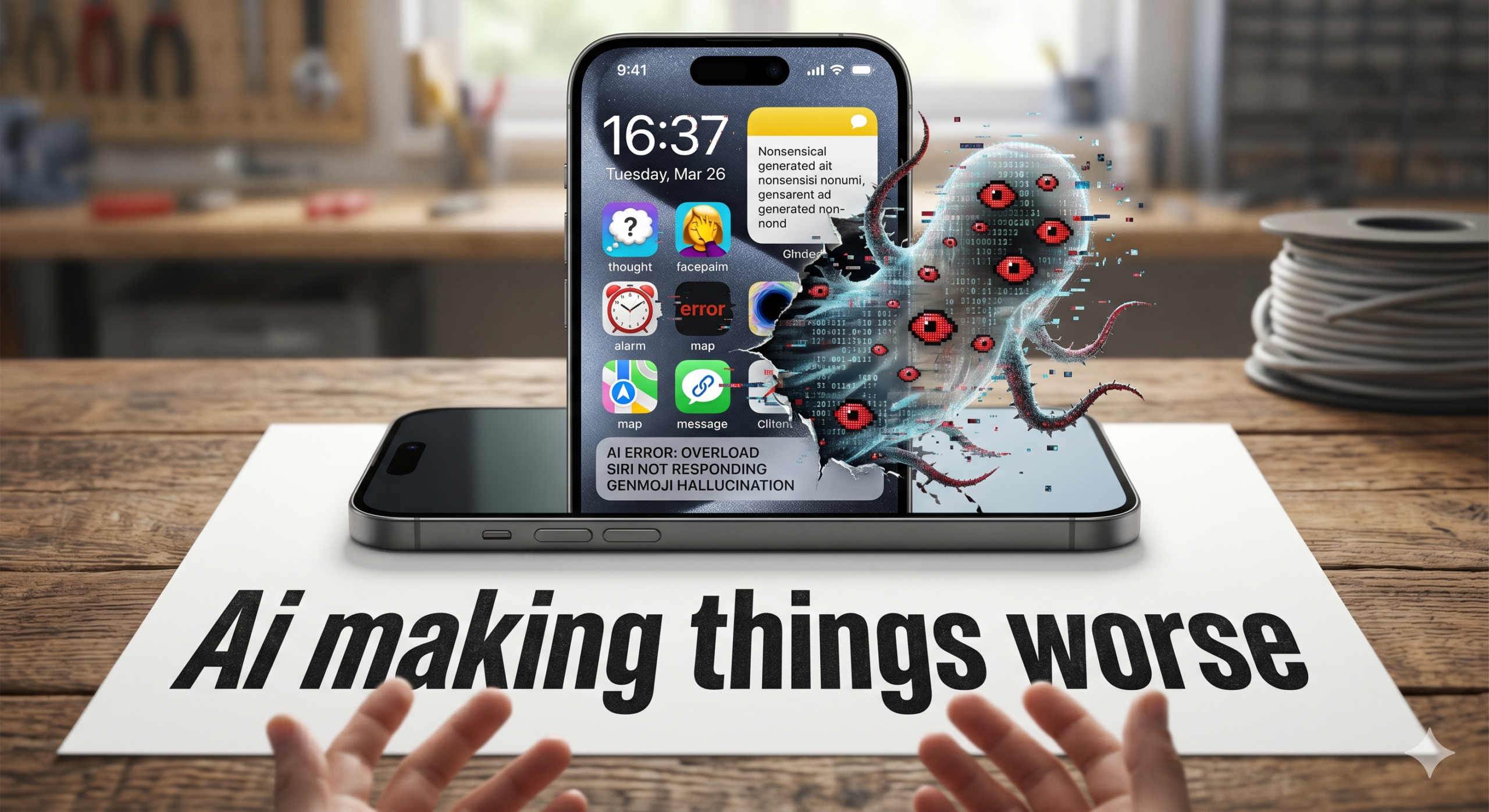
Direct Answer: For the majority of iPhone users, yes — Apple Intelligence is making their phones measurably worse. Surveys consistently show 70-96% of iPhone owners don’t actively use AI features, but every iPhone with the feature enabled pays the cost: around 7GB of storage, passive background processes that drain the battery, RAM pressure, and on older models, noticeable performance degradation. Apple’s own AI servers have reportedly sat unused due to low demand, and Apple is now in talks with Google to outsource Siri’s inference. The honest position: Apple Intelligence currently costs most iPhone users more than it benefits them — and turning it off is a one-tap fix.
Key Takeaways
- Polling and surveys consistently show 70-96% of iPhone users don’t use Apple Intelligence — but every supported iPhone is paying the resource cost whether they use it or not.
- Apple Intelligence consumes 7GB of storage, runs passive background processes that affect battery life, and on older supported devices noticeably reduces overall responsiveness.
- Apple itself appears to be quietly acknowledging the issue: AI servers sitting idle, leaked reports about outsourcing Siri to Google, repeated delays to the promised Siri overhaul.
Are AI Features Quietly Making iPhones Worse?
Apple Intelligence was meant to be the headline reason to upgrade. The “Built for Apple Intelligence” tagline ran across the entire iPhone 16 launch campaign. The features were going to make Siri properly intelligent, summarise notifications, rewrite your emails, generate images, and pull off the kind of context-aware magic Apple has been promising in keynote videos for the better part of two years.
It hasn’t quite worked out that way. Eighteen months in, the data is striking: most iPhone users are barely touching the features they were sold on, but every supported iPhone is paying the running cost. This post is about whether that’s a fair trade — and what to do if it isn’t.
The 96% problem
Start with the headline number. A poll conducted by TechRadar in early 2026 asked iPhone users a simple question: do you use Apple Intelligence? 96% said no. A separate, larger survey of 7,120 iPhone users found 73% believed Apple Intelligence offers “little to no value,” and 51% rated it as a bigger disappointment than the Vision Pro headset.
The infrastructure side tells the same story. According to reporting from 9to5Mac, Apple’s Private Cloud Compute servers — the dedicated AI infrastructure Apple built specifically for Apple Intelligence — have been reportedly sitting unused on warehouse shelves due to lower-than-expected demand. Apple is now in advanced talks with Google to outsource the new Siri’s inference workloads to Google’s data centres, partly because Google has years of experience running language model servers at scale via Gemini, and partly because Apple’s internal infrastructure was sized for a level of usage that hasn’t materialised.
This isn’t a small story. A company that has historically marketed Siri’s privacy as a fundamental advantage is now reportedly considering running it on Google’s hardware. That’s not a trivial pivot.
The hidden cost — what every iPhone is paying for AI features most owners don’t use
Here’s the part that doesn’t make headlines but matters more for the average user. Even if you never tap a single Apple Intelligence feature, your iPhone is paying the cost of having them installed:
| Cost | What it actually means |
|---|---|
| ~7GB of storage | The on-device AI models occupy roughly 7GB of your iPhone’s storage — equivalent to about 1,400 high-resolution photos or several Netflix downloads. On 128GB iPhones, that’s nearly 6% of your total storage gone before you’ve installed anything. |
| Background processing | Apple Intelligence runs passive on-device processes that keep the Neural Engine and parts of the CPU active even when you’re not using any AI feature. Documented user reports include batteries dropping from 100% to 83% during 3-4 hours of non-use. |
| RAM pressure | The on-device language models need to be loaded into RAM to be useful. On older supported iPhones (15 Pro), this competes with the RAM that apps and the OS itself need to run smoothly. The result: more frequent app reloads, slower context switching, occasional UI hesitation. |
| Heat generation | AI processing is computationally heavy. Sustained background AI activity contributes to the overheating complaints that have run through iOS 26 since launch — particularly on iPhone 15 Pro and 16 Pro Max. |
| Battery health degradation | Heat is the primary factor in long-term battery health. iPhones running Apple Intelligence at typical usage patterns may show measurably faster battery degradation over a 2-3 year ownership window than identical iPhones with the feature disabled. |
Stack the costs. Reduce them. Now ask: what’s the iPhone owner getting in exchange? For 96% of users, the answer is “nothing they actively use.”
The “Built for Apple Intelligence” marketing problem
The iPhone 16 lineup was launched with Apple Intelligence as a central pillar of the marketing. Apple’s adverts featured the AI features prominently. Tim Cook talked about Apple Intelligence as a generational shift. Apple Stores were redesigned with demo stations showcasing AI capability.
The catch: many of the AI features that drove the upgrade pitch weren’t actually shipping at launch. The new contextual Siri — the headline feature that was supposed to understand your data and execute multi-step tasks — has been delayed multiple times, and as of early 2026 still hadn’t shipped in the form Apple originally promised. Some advertised features have shipped, then been quietly removed (the news summarisation feature was suspended after producing inaccurate summaries that led to complaints from news organisations). Some have shipped at lower quality than the demos suggested.
The result is a genuine “told you the iPhone 16 was built for AI features that aren’t actually here yet” gap that’s been widely reported in the tech press, including in respected outlets like 9to5Mac, MacRumors, and TechRadar. Renowned Apple analyst Ming-Chi Kuo published research stating that Apple itself knows Apple Intelligence is “underwhelming” and won’t drive iPhone upgrades.
For consumers who paid the iPhone 16 premium specifically for the AI features, this is, at minimum, a frustrating outcome. Some have used stronger words.
The five ways AI features are making iPhones feel worse
Pulled together from the patterns we see at the repair bench, the patterns surfacing on Reddit and in the tech press, and the technical realities of how Apple Intelligence actually works:
- Battery life isn’t what it was. iPhones that used to last comfortably through a day on iOS 17 / iOS 18 are increasingly described as needing midday top-ups on iOS 26 with Apple Intelligence active. The change isn’t subtle for affected users.
- Phones run warmer during normal use. The combination of Apple Intelligence background processing and the Liquid Glass interface overhead means iPhones are doing more computational work in the background than ever before. Heat is the visible symptom.
- Older supported iPhones feel sluggish. iPhone 15 Pro running iOS 26 with Apple Intelligence is doing more than iPhone 15 Pro running iOS 17. The hardware hasn’t changed; the demands on it have. The result is occasional sluggishness, longer app launches, and stuttering animations.
- Storage feels tight faster. The 7GB of AI models is permanent. You can’t delete them while Apple Intelligence is enabled. On 128GB iPhones, the practical free space is significantly less than the marketing implies.
- UI feels overengineered. Liquid Glass animations, AI suggestions, contextual prompts, summary banners. The iOS 18 simplicity is gone. Many users describe the interface as fussy in a way it didn’t used to be.
The honest verdict
Apple Intelligence isn’t a scandal. It isn’t malware. It isn’t planned sabotage. It’s a feature that Apple invested heavily in, marketed extensively, and shipped before it was really ready — and the cost of having it installed exceeds the benefit for most users at this point.
That doesn’t mean it’ll always be the case. Apple’s track record with major features shows that things tend to get better over multi-year cycles. The Apple Intelligence story is probably not over — it’s just not in a good place right now.
The actionable point: in 2026, Apple Intelligence is consuming resources from your iPhone that most owners would benefit more from being available to them. Disabling it costs nothing and is reversible.
How to disable Apple Intelligence (and what to expect)
- Go to Settings → Apple Intelligence & Siri
- Toggle Apple Intelligence off
- Confirm the action when prompted
- Restart your iPhone (Volume Up + Side Button held to power-off, then power back on)
What changes:
- The 7GB of on-device AI models are removed from active memory over the following hours / days, freeing storage
- Background AI processing stops — your phone’s processor has less to do at idle
- Battery life typically improves measurably within 24-48 hours (allow time for the change to take effect)
- The phone runs cooler during normal use
- App launch times improve slightly on older supported devices
- Siri continues to work — just the older, simpler version that doesn’t depend on Apple Intelligence
- Notification summaries, writing tools, and image generation features go away — if you actually used these, you’ll notice. If you didn’t, you won’t.
One important note: Apple Intelligence has been known to quietly re-enable itself after iOS point updates. Worth checking the setting after every major iOS update.
What about disabling Liquid Glass too?
Separate but related: the Liquid Glass interface adds its own GPU overhead. Settings → Accessibility → Motion → Reduce Motion will simplify the animations significantly and recover additional battery and performance, particularly on older iPhones. Worth doing alongside disabling Apple Intelligence if you’re prioritising performance over visual flourish.
The bigger picture for buying decisions
If you were considering an iPhone upgrade specifically because of the AI features, the data above suggests waiting. The features that were promised aren’t fully shipping, the features that did ship aren’t widely valued, and the iPhone you’ve already got — possibly with a fresh battery — will likely serve you better than buying a new model into a feature set that’s not yet baked.
If your current iPhone is genuinely struggling — battery health below 80%, sluggish performance, can’t get through a day — the cheaper and more reliable upgrade path is usually a new battery from a trusted local repair specialist (we replace iPhone batteries from £35) and a session optimising your settings. A new iPhone bought specifically for AI features that 96% of users don’t use is rarely the right answer.
Related reading
- Why Reddit Thinks iOS 26 Is Destroying iPhone Batteries — covers the broader iOS 26 battery story
- iPhone 17 Won’t Turn On After the Battery Died — the firmware-level charging issue
- The True Cost of a Cheap iPhone Cable — what’s draining batteries from the cable side
Frequently Asked Questions
Are Apple Intelligence features making iPhones worse?
For the majority of users, yes — measurably. Apple Intelligence consumes around 7GB of storage, runs passive background processes that drain the battery, occupies RAM that could be used by other apps, and has been linked to overheating complaints in iOS 26. Surveys consistently show 70-96% of iPhone users don’t actively use the AI features, meaning most iPhone owners are paying the resource cost without getting the benefit.
How many people actually use Apple Intelligence?
Reports indicate very low active usage. A TechRadar poll suggested 96% of respondents don’t use Apple Intelligence. A separate survey of 7,120 iPhone users found 73% believe the AI features offer little to no value, and 51% rated Apple Intelligence as a bigger disappointment than the Vision Pro. Apple’s own Private Cloud Compute servers have reportedly sat unused in warehouses due to lower-than-expected demand.
Can I turn off Apple Intelligence to improve iPhone performance?
Yes. Go to Settings → Apple Intelligence & Siri → toggle Apple Intelligence off. The AI features disappear, the background processes stop, and many users report measurable improvements in battery life and overall responsiveness. The 7GB of on-device AI models are removed from active memory. You can re-enable it later if you want to try the features.
Why is my iPhone slower since Apple Intelligence was enabled?
Apple Intelligence runs passive on-device processing that keeps the Neural Engine and parts of the CPU active even when no AI feature is being used. On older iPhones (15 Pro and earlier supported models), this processing competes for the same resources that apps need to run smoothly. The result is reduced responsiveness, longer app launch times, and occasional UI stuttering — particularly on devices that were already approaching their performance limits.
Did Apple advertise iPhone 16 with Apple Intelligence even when it wasn’t ready?
Yes. The iPhone 16 lineup was extensively marketed with the “Built for Apple Intelligence” tagline, and Apple’s marketing implied the AI features were a primary reason to upgrade. In reality, many of the promised features (particularly the new contextual Siri) were delayed multiple times and have repeatedly failed to ship as originally promised. Apple has been criticised in the tech press for what some have characterised as misleading marketing.
Is Apple really outsourcing Siri to Google?
Reports in early 2026 indicated Apple was in advanced talks with Google to host the new Siri’s AI inference in Google’s data centres rather than Apple’s own Private Cloud Compute infrastructure. The reasons cited included Google’s existing experience running large-scale language model servers (Gemini) and Apple’s struggles to scale its own infrastructure cost-effectively. The deal would represent a significant strategic shift for Apple, which has historically marketed Siri’s privacy as a key advantage of running on Apple hardware.
Should I avoid buying an iPhone because of Apple Intelligence concerns?
No. iPhones remain capable phones with strong build quality and a long support window. The Apple Intelligence concerns can be sidestepped by simply turning the feature off in Settings. The bigger consideration is whether to upgrade specifically because of AI features — most evidence suggests the AI features are not yet a meaningful upgrade reason, so an older iPhone with a fresh battery is often a better value choice than a new model bought for AI capability that most owners don’t use.
Sources
Confirmed across reporting from 9to5Mac, MacRumors, TechRadar, AppleInsider, and the tech press more broadly through 2025-2026. Adoption statistics drawn from the TechRadar Apple Intelligence usage poll, the 9meters.com 7,120-respondent survey, and Ming-Chi Kuo’s published analysis. Infrastructure reporting (Private Cloud Compute / Google Siri talks) sourced from 9to5Mac and corroborated in the wider tech press.
Get help if your iPhone is struggling
If your iPhone has been running hot, draining fast, or feeling sluggish since Apple Intelligence arrived — drop into the shop in Market Weighton or book a callout to your home or workplace across East Yorkshire. We’ll diagnose what’s actually going on for free, optimise your settings, and tell you honestly whether a battery replacement is the right call. Often it’s just settings. Sometimes it’s a £35 battery. Either way, no surprises.
- Your iPad Just Got Cut Off From iPadOS 27 — Here’s What That Actually Costs You
- Water Damaged Amazon Fire Tablet: A Board-Level Repair Walkthrough
- Best Rugged Phones for Tradespeople and Farmers in 2026 — and Where to Actually Buy Them
- Call out iPhone repair to Haxby Bakehouse, York
- Don’t Throw Away Your “Incompatible” Windows 10 PC Just Yet
Leave a Reply